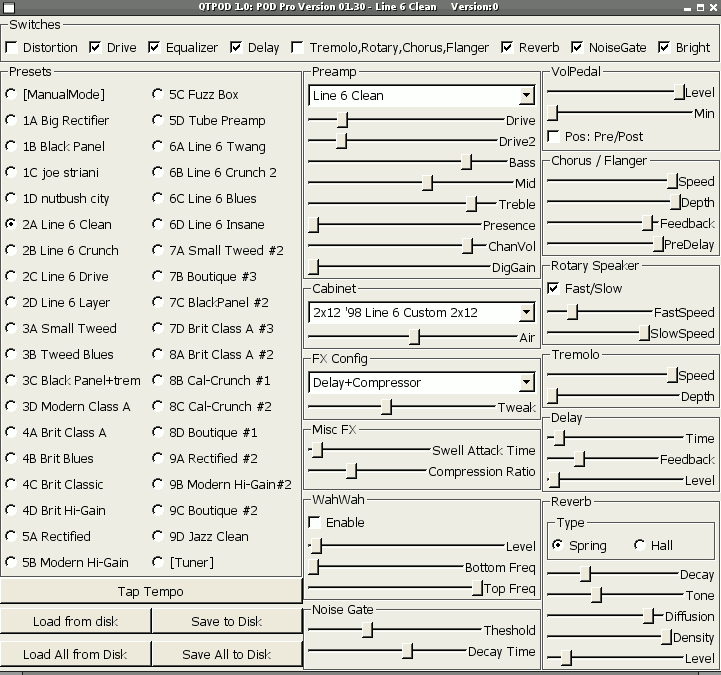
qtpod - a gui for Line6 POD 2.0 and POD Pro
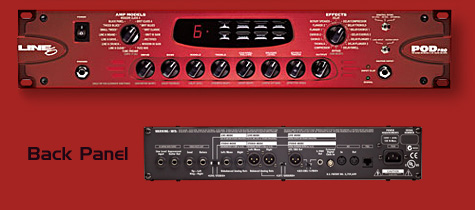
qtpod is a QT 3.x
application which can control your
Line6
POD 2.0 and
POD Pro via
MIDI. Currently the
ALSA midi sequencer API is
supported.
Download
qtpod-1.2.tar.gz released 2018-03-06. Supports build with QT4.
qtpod-1.1.tar.gz released 2006-07-31.
Screenshot
Usage
To configure your MIDI settings use the "-m" option on
the command line to set the MIDI channel your POD listens on. The
first MIDI channel is "0". This is also the default if no
"-m" option is given and the default MIDI channel of the
POD. To connect the qtpod application to an ALSA sequencer port at
startup use the "-c" option with the numeric client and port
ID as arguments. You can find out the numeric IDs of your MIDI
hardware by looking at the output of aconnect -i
-l. Alternatively you can use aconnect to connect your midi
ports after qtpod has started, or some GUI tool like alsa-patch-bay
or qjackctl.
Contact
Please send questions and suggestions to:
Dirk Jagdmann <doj@cubic.org>.
|